

UniFi Network 9.x: 7 Changes SMB Admins Should Validate Before Rolling Out
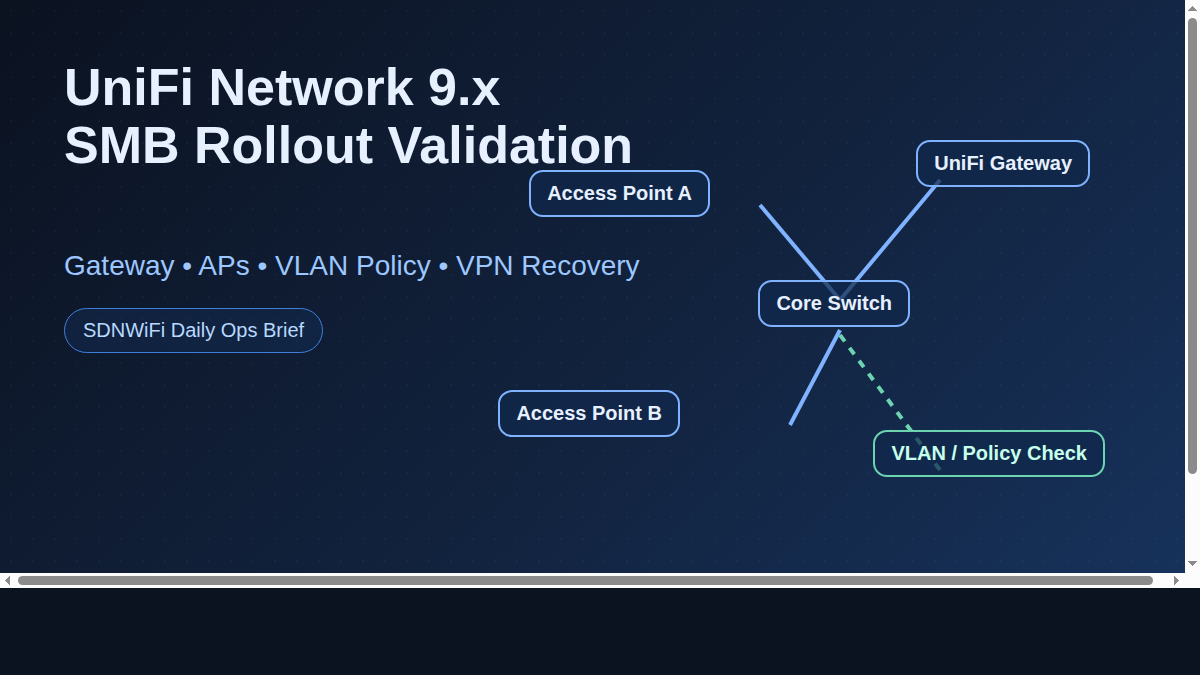
UniFi Network 9.x is rolling out to more sites, and most teams focus on release notes but miss operational side effects. If you manage SMB environments, validate these seven areas before broad deployment.
1) Device adoption behavior after controller update
Some sites show delayed provisioning after major controller jumps. Upgrade one pilot site first and monitor adoption timing.
2) AP channel/power auto-optimization drift
After upgrades, auto settings may recalculate and change RF behavior. Compare channel plans before and after.
3) VLAN-to-SSID policy consistency
Confirm every business-critical SSID still maps to the correct VLAN, DHCP scope, and firewall policy.
4) Guest portal and captive experience
Run a full guest flow test (new device + known device) to verify splash page, authentication, and internet access sequence.
5) WAN failover + VPN recovery
Simulate failover and failback. Confirm remote users and site-to-site tunnels recover cleanly.
6) Alert noise tuning
New versions can alter event volume. Re-tune alert thresholds so your team catches real incidents, not dashboard noise.
7) Backup and rollback readiness
Take a tested backup before rollout. Document rollback steps and clear ownership.
Multi-vendor note: If you run mixed environments, compare UniFi change impact against Omada and MikroTik operational overhead—not only feature count.
Bottom line: Fast upgrades are good. Controlled upgrades are better. Validate these seven checkpoints and you will avoid most post-update surprises.

Recent Comments